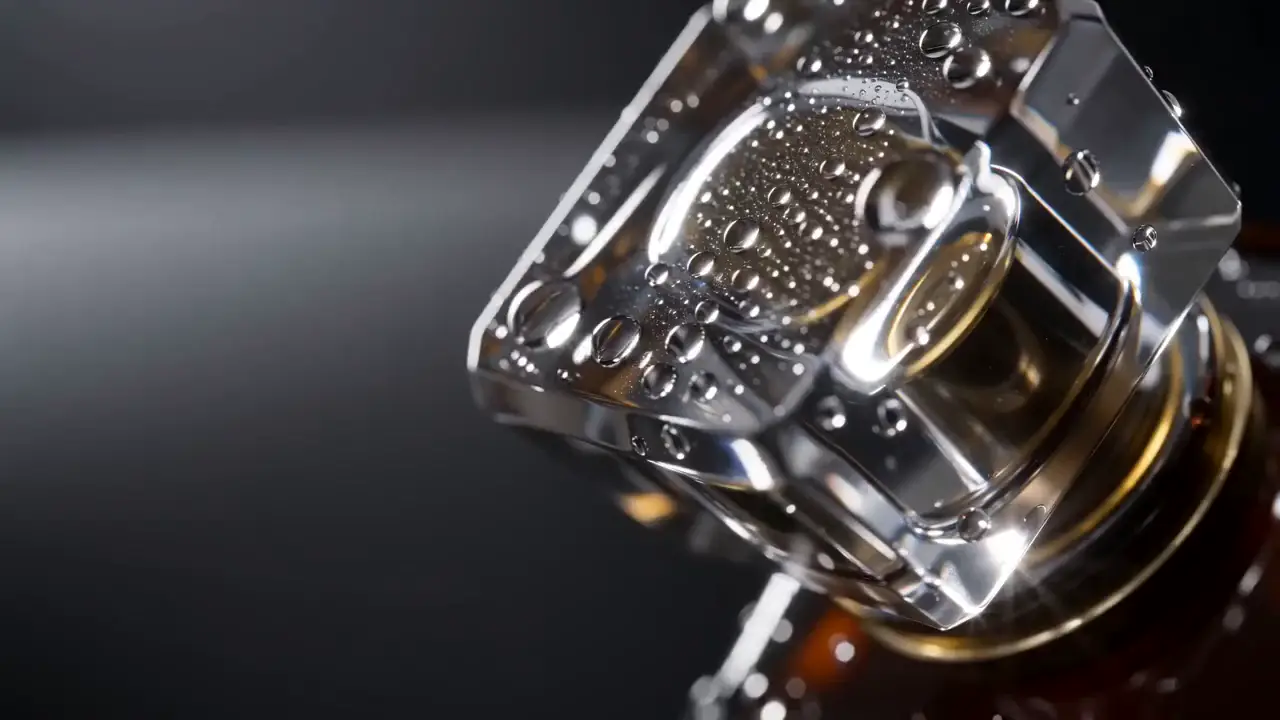
Product imagery
Creative production for ecommerce
Turn the product shots you already have into fresh images, scroll-stopping clips, campaign videos, voiceovers, and music—without rebuilding the look in five different tools.
Free to open. No card. You approve every cost before it runs.
Campaign board
Atelier / launch 01
The campaign kit
Bring the assets you trust. Build every new direction around them, from the first product image to the final scene.
Product imagery
Paid social clips
Campaign videos
Voice & music
From launch to refresh
Build the hero image, teaser clips, product video, and sound assets around one visual direction.
Explore settings, formats, hooks, and motion before committing the winners to a larger production.
Give evergreen products a seasonal setting or a fresh visual rhythm without starting from an empty brief.
Move beyond a packshot to show texture, scale, movement, atmosphere, and the moment of use.
Why it works
Keep the recognizable parts. Change the setting, format, motion, model, or story around them.
Use product shots as references so each new direction begins with the thing you are actually selling.
Save model, references, prompt direction, and settings as a Style instead of rebuilding the recipe every time.
Animate an existing image, direct the first and last frames, or explore motion from visual references.
Videos stay editable scene by scene, so one weak shot does not force a complete rerender.
Choose among leading image and video models while the assets, references, and workflow stay together.
The credit quote appears before generation. Nothing starts—and nothing spends—until you approve it.
How it works
One connected path from the references you have to the assets you want to keep.
Upload the product shots, talent references, and visual cues that already define the brief.
Choose a model, shape the direction, and save a Style when you want the recipe again.
Make images, animate the winners, add voice or music, and assemble longer stories scene by scene.
Organize useful outputs in folders, share them, and bring them back as references for the next round.
Model choice, without tool sprawl
You choose the image, motion, or sound model. justpictur.ing keeps the references, work, and results in one place.
Picture
Motion
Sound
No mystery meter. The estimated credit cost is shown before each run, based on the model and settings you picked.
Build your first asset setThe practical questions
Yes. Uploads and ready images can be used as references, first frames, or Style anchors, depending on what you are making.
Reference images and saved Styles give each generation the same visual anchors. Generative output can still vary, so every asset should be reviewed before it goes live.
Product and lifestyle images, short clips, multi-scene videos, directed voiceovers, and original music. Each asset stays available in its own room and can also be grouped into folders.
No special syntax is required. Describe the shot or motion in ordinary language, then use references, Styles, frames, aspect ratio, and model controls when you want more precision.
Yes. Available aspect ratios depend on the model you choose, and the studio shows only the options that model supports.
You see the estimated credit cost before every generation and approve it before anything runs. An image is about 1 credit, a finished video scene about 9, and a 15-second video about 50.
One product can go further.
Bring a product shot. Leave with a library of ideas you can see, hear, test, refine, and use again.
Free to open. No card.